
...
- Aside callouts
- Click the plus sign button or type a forward slash and search for "aside".
- Select the aside callout block.
- Select which type of aside block you need. When you change the type of aside, different fields will pop up, so be sure to choose the type first.
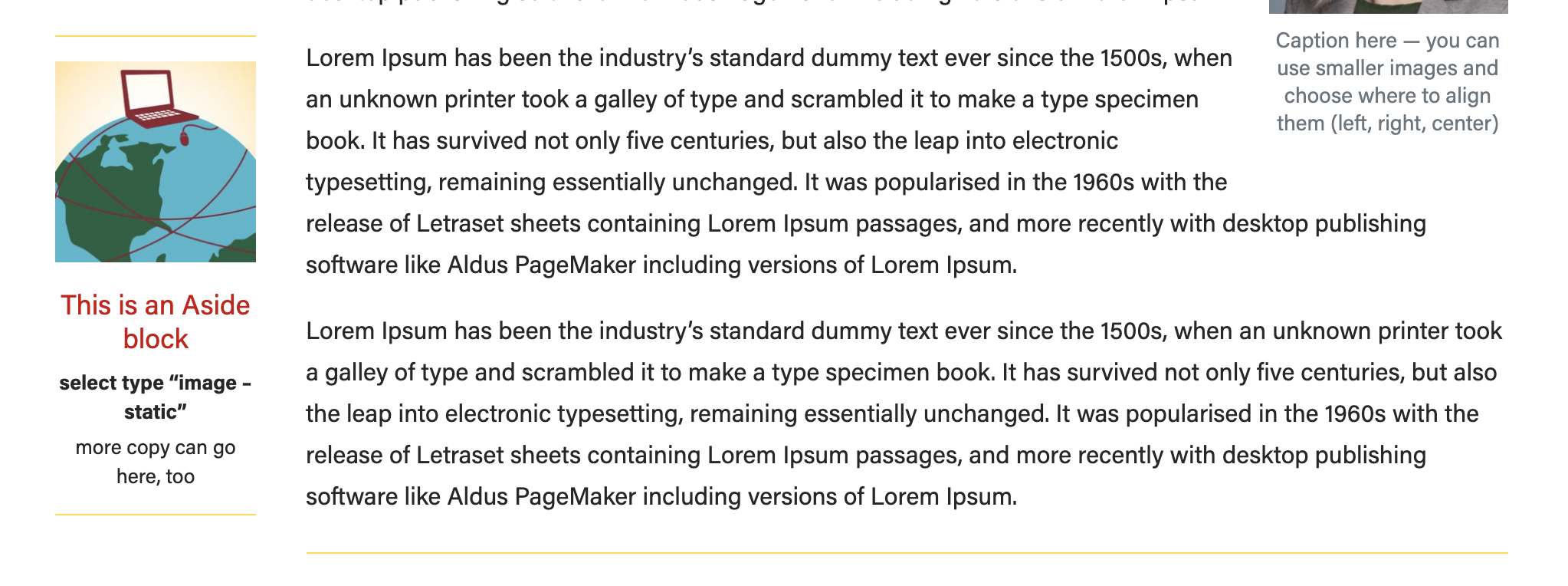
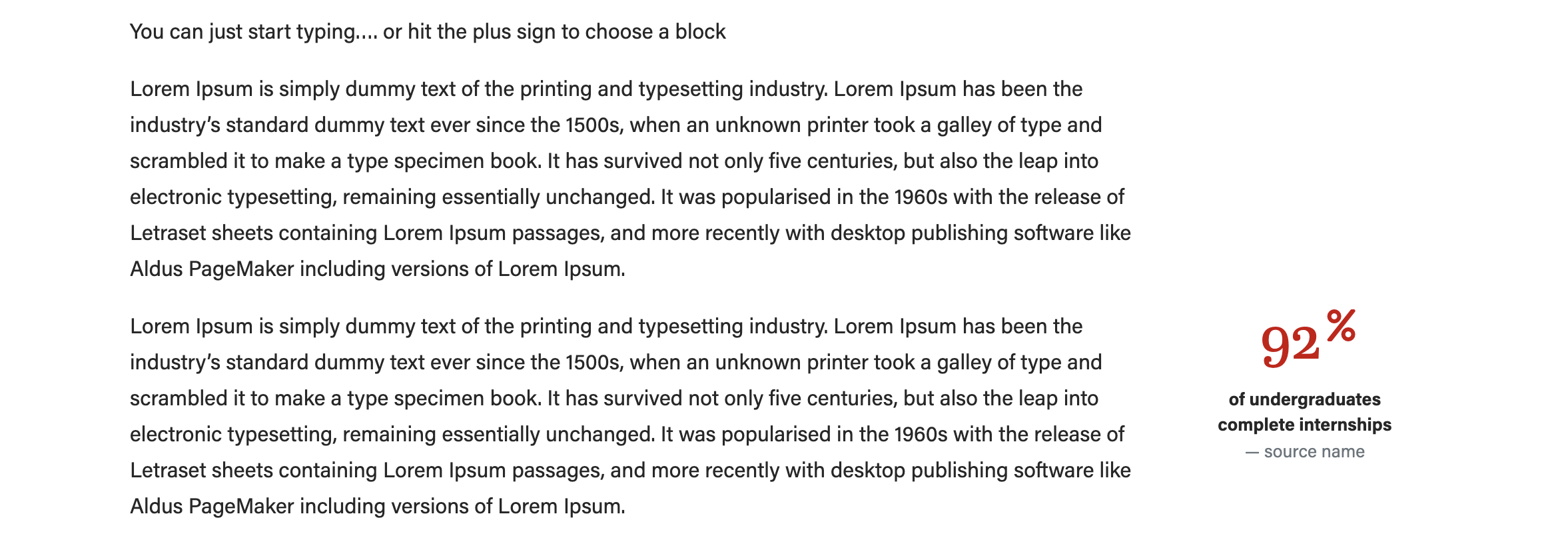
- Image - statistic (use an icon)
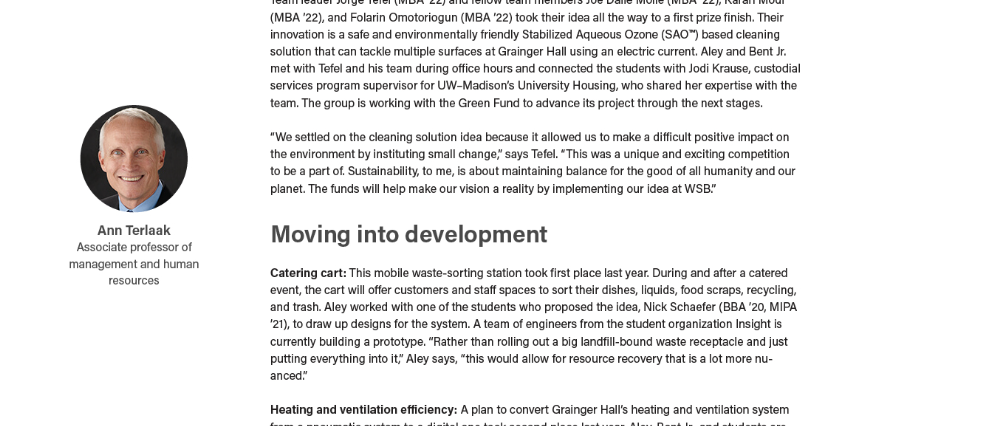
- Image - person (use a square headshot)
- Ranking (no image)
- Image - statistic (use an icon)
- Add the image (if applicable) and copy. We recommend using a square image for this block. The "image - person" layout will crop your image to a circle for you.
- Be sure to preview your content to make sure the aside is not overlapping with footer content on the page
- Click Preview > Preview in a new tab
- If the aside is overlapping other content, move the aside block up higher on the page.
Meta Fields
These are all optional fields can be found below your post content. If you don't see subtitle, author override, etc. you need to click the arrow next to Meta to expand this section.
...