
...
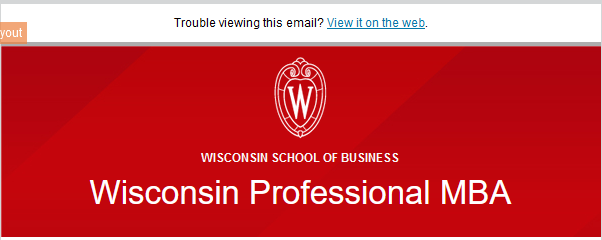
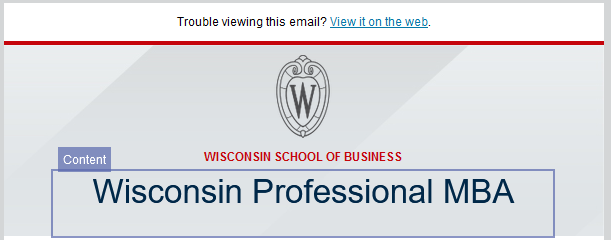
The header includes the "Trouble viewing this email?" message(which will open up the email on the web), followed by the WSB Crest, "Wisconsin School of Business" and the name of your program.
- There are two versions of the header- the red, and the gray. Depending on which template you open, you will get one or the other.
Rules on editing:
- We recommend you don't edit the header at all, although it might be appropriate to tweak the program name in specific cases, in which case you can just edit the text.
- Do not edit the color, font size, crest, or background image of the header! The colors were specifically chosen to both follow brand and accessibility guidelines.
There are two versions of the header- the red, and the gray. Depending on which template you open, you will get one or the other.
Your program name will be formatted as a "Header 1". Do not use the Header 1 formatting anywhere else on the page.
...
The main difference between the two types is that Called Out buttons have a background color, and have more spacing (padding) around them to make them more prominent.

Rules on editing:
...
Don't insert a new button within the editor, if you want another button, copy an existing one, so the formatting stays correct.
- (advanced) In case you mess up the formatting, you can edit it in the button properties in the left sidebar
- Button Color: #C5050C
- Corner Radius: 30
- Width: Fit to text
- Alignment: Centered
- Button Padding: top, bottom: 10. Left, right: 25
- (called out button only) Background color: #F9F9F9