...
- How to edit/use asides in your article
- Guidelines:
- Aside blocks are meant to be used with a very small amount of copy. (~100 characters or fewer)
- Asides should be used sparingly in a single article – use 3 asides max.
- If using more than one aside, they should be separated by at least one paragraph.
- The aside block cannot be the last item in your post (this will push it down to overlap the footer content and mess up formatting on the page)
Options:- Move it above some of the copy to fix this issue
Callout Box
- Guidelines:
- Use a single callout box at the end of an article to display sidebar/endbar content
- Content should not exceed the length of a paragraph.
- Options:
- background color
- image + alignment
- crop the image to a circle
- heading + alignment
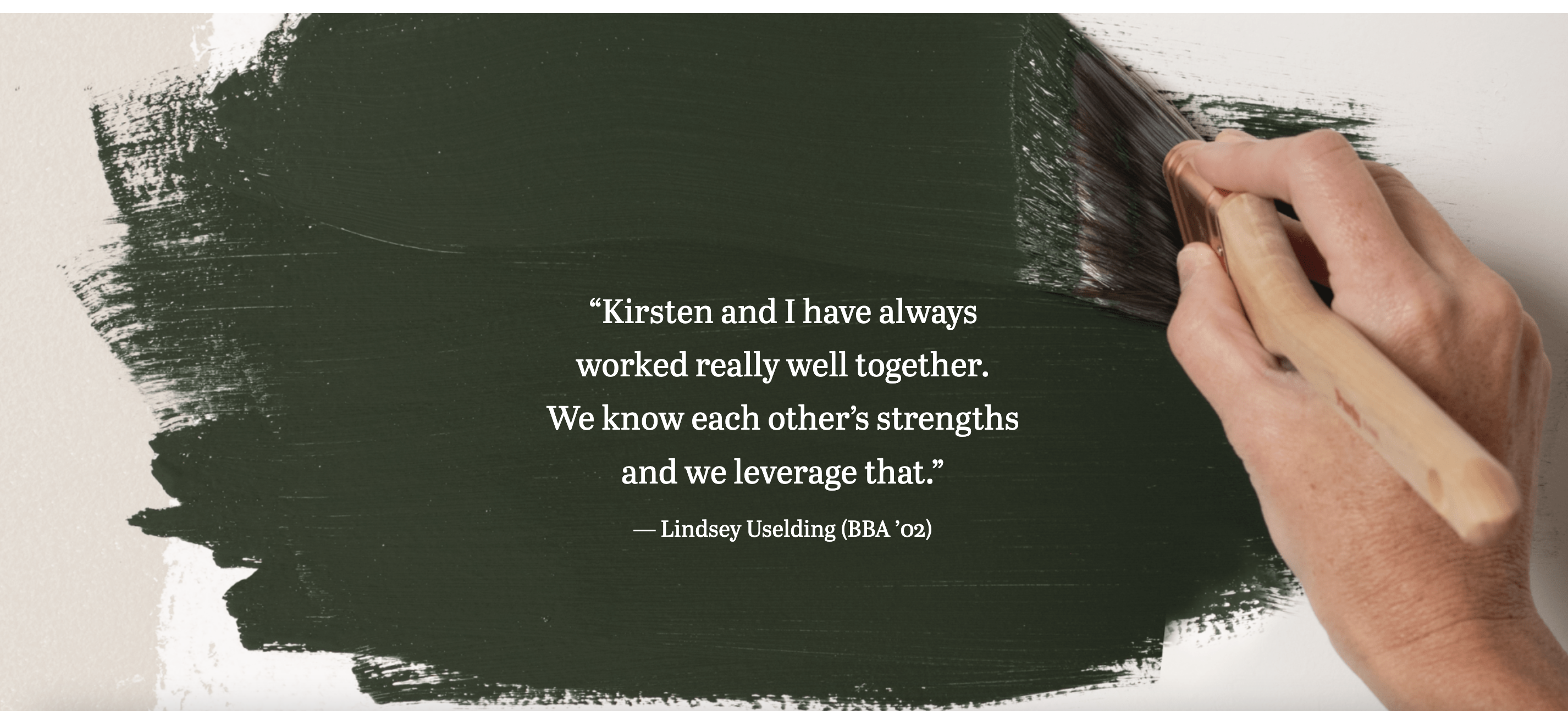
Full-width Background
- We recommend you Please reach out to a designer or web developer to get for assistance implementing this block.
- A designer can help with appropriate image choices
- A web developer can help ensure accessibility best practices the content works with this block and that web accessibility standards are met (e.g. text color contrasts with the background and is readable)
- Guidelines:
- Use this block sparingly (i.e. don't use it in most articles you write)
- This block doesn't work with all images; it works best with large images with a subtle focus or subject.
- Limit the amount of copy in this block – think pull quote length, rather than a full paragraph or more.
- Options:
Horizontal Image Text
Image Collage
Lazy load Youtube Video
Meta fields
Find these under the post content, within Meta - post field group
...