
...
- Guidelines:
- Aside blocks are meant to be used with a very small amount of copy. (, ~100 characters or fewer).
- Asides should be used sparingly in a single article. Use 3 asides max in one article.
- If using more than one aside, they should be separated by at least one paragraph.
- The aside block cannot be the last item in your post (this will push it down to overlap the footer content)
- Move it above some of the copy to fix this issue
- Adding/editing asides:
- Click the plus sign button or type a forward slash and search for "aside".
- Select the aside callout block.
- Select which type of aside block you need. When you change the type of aside, different fields will pop up, so be sure to choose the type first, before you fill in the fields.
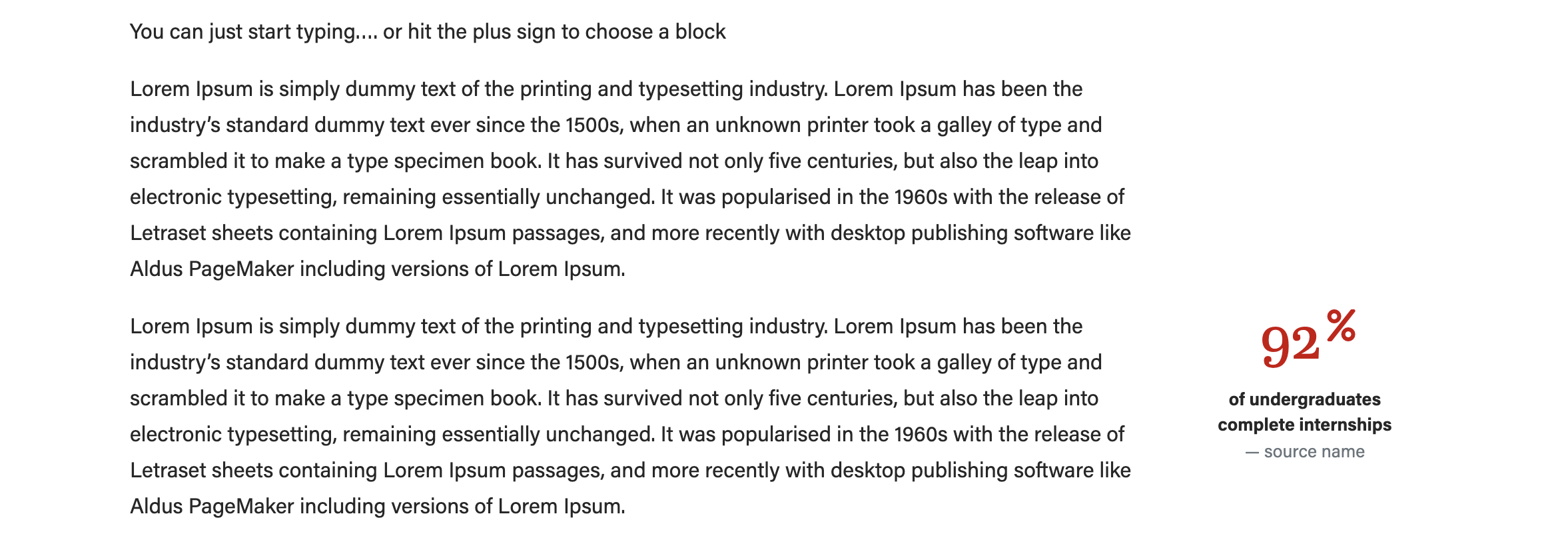
- Image - statistic (use an icon or no image)
- Image - statistic (use an icon or no image)
...
- Image - person (use a square headshot)
- Ranking (no image)
- Image - person (use a square headshot)
- Add the image (if applicable) and the text. We recommend only using a square image for this block. The "image - person" layout will crop your image to a circle for you.
Be sure to preview your content to make sure the aside is not cutting into content or overlapping with the footer content on the page.
- Click Preview > Preview in a new tab to check this. Resize your browser to as skinny as possible to mimic the view on a mobile device. Or you can publish the changes and pull up the post on your phone to see how it looks.
- If the aside is overlapping other content, or splitting up content, or making the article difficult to read, move the aside block up or down the page and preview again to make sure the issue is resolved.
...