
...
- Please reach out to a designer or web developer for assistance implementing this block.
- A designer can help with appropriate image choices
- A web developer can help ensure the content you have works with this block and that web accessibility standards are met (e.g. text color contrasts with the background and is readable)
- Guidelines:
- Use this block sparingly (i.e. don't use it in most articles you write and you typically shouldn't use it more than once per article)
- This block doesn't work with all images; it works best with large images with a subtle focus or subject (see example below).
- Limit the amount of copy in this block – think pull quote length, rather than a full paragraph or more. (~50 words max)
- Options:
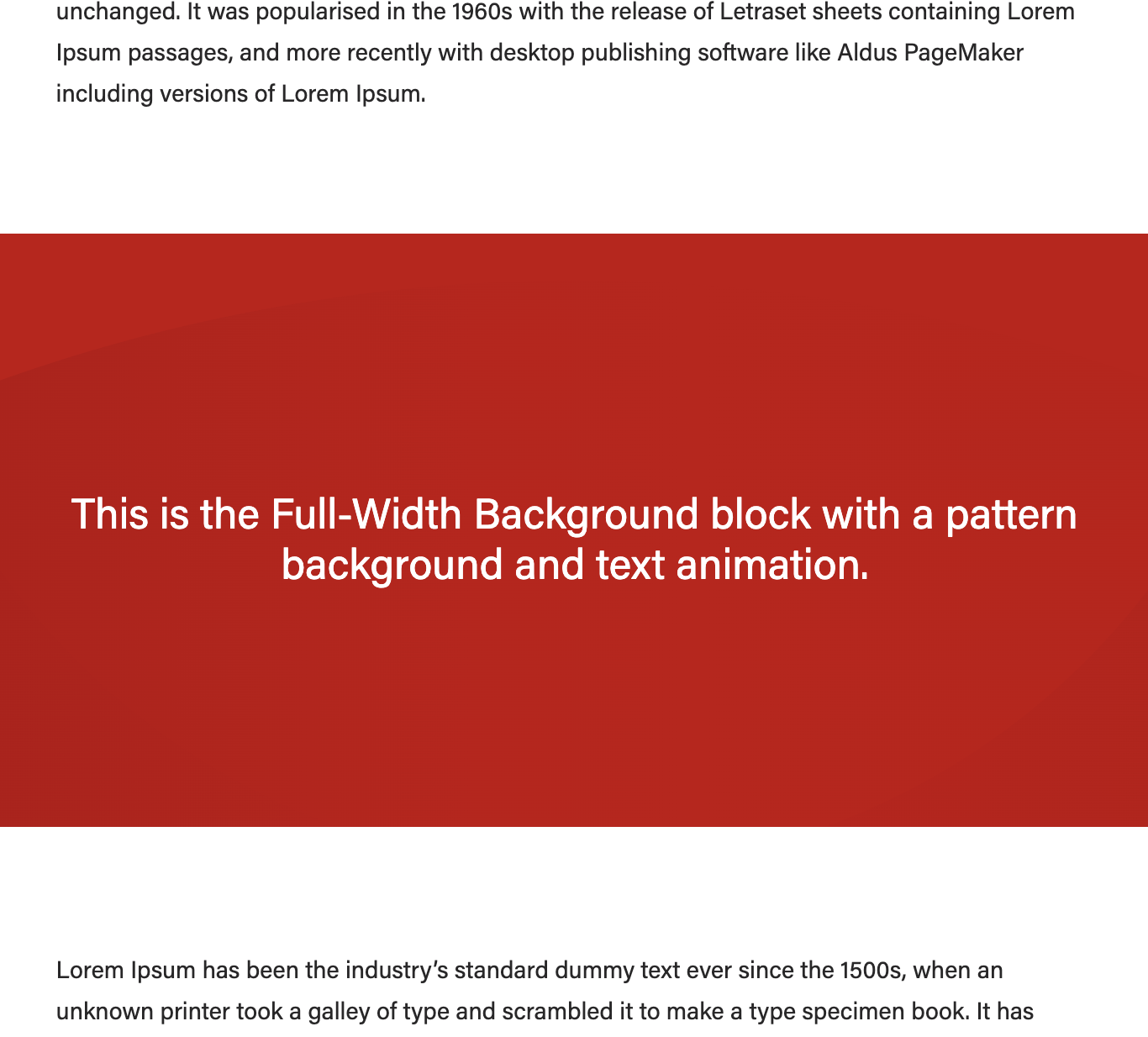
- Background – can be a color pattern or a photo
- For photo background:
- Display a different image for mobile? Since the text will appear below the image on mobile screens, you can choose a different image
- Hide image for mobile? Since the text will appear below the image on mobile screens, you can choose to hide the image if it makes sense to do so. (For example, the paintbrush image in the example below is a bit too plain without text on top, so it was hidden for mobile.)
- Add parallax effect? An effect that makes the background pattern or photo appear static as other content scrolls past it. (See paintbrush example.)
- Title + title heading size
- Link
- Custom content (supporting copy)
- Text styles
- Text color (only with photo background) - black, white, or default colors
- Note: Be sure to choose a color that has high contrast with the background photo
- Horizontal placement Place placement – place the text content where it overlaps with the least busy/detailed/important part of the photo
- Vertical alignment (only with photo background) Place – place the text content where it overlaps with the least busy/detailed/important part of the photo
- Add transparent background? (only with photo background)
- If you cannot find a spot where the background is simple and dark or light enough to contrast with one of the text colors, toggle this to Yes and a the text box will be displayed have a background color to help with contrast and readability.
- Stretch link? (only if you have filled in the link fields) Makes the whole – makes the entire text area clickable
- Animation: Add text fade-in? Adds – adds an animation where in which the text appears and moves upward as you scroll to the block on the page. Note: the animation will only happen the first time you scroll to the content. To view the animation again, refresh the page.
- Text color (only with photo background) - black, white, or default colors
- For photo background:
- Background – can be a color pattern or a photo
source: https://business.wisc.edu/news/example/ (This is a private post; you must login to WordPress in order to view it.) |
|---|

...