
...
- Re-size your photo before uploading it into confluence (See also: Image Editing – Quick Guide)
- Standard image size for head-shot 150 x 188 pixels
- Click the "Insert files and images" button on the editing toolbar.
- Click "Upload files"
- Find the image you wish to use (Please resize with an image editor before adding to allow your page to load faster).
- Click "insert" and you will now see your image on the page. You can move this image around as needed.
- To align your photo select your photo and use the left, center, and right align options.
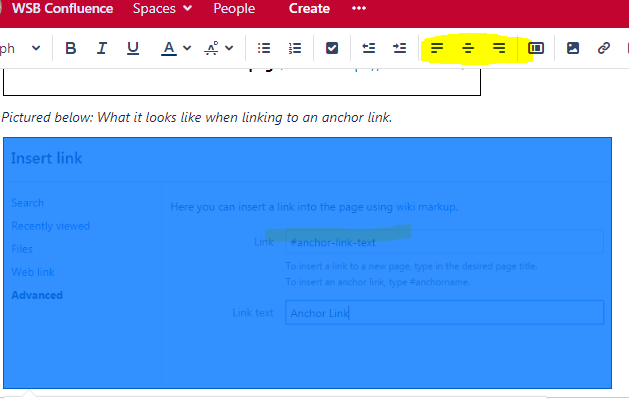
- To align your photo select your photo and use the left, center, and right align options.
- Click on the image to see options to add a border.
- Add alt text to images - after you have your image on the page, click on the image, then click "properties" and add text describing the image (WebAIM > Alternative Text).
...
Adjust Order of Pages on Left-hand List
...