
All Alumni, Faculty, Newsroom, MBA, Dean, and Press Release articles live under Posts, which is called the Newsroom on the front-end.Example Post (you must first be logged into WordPress to view this private post) :
The following example post shows all the news article components to choose from. You can choose how you prefer to view it:
- Log into WordPress first, then view the private post at https://business.wisc.edu/news/example
- View screenshot below
| Expand | ||
|---|---|---|
| ||
|

On This Page:
*More Table of Contents
| Info | ||
|---|---|---|
| ||
More detailed editing instructions, as well as a beginner's training video, can be found in the Add/Edit Blog Posts article. We recommend you start there if you are new to using our WSB WP site. | ||
| Info | ||
|
Advanced Newsroom Features
There are new features and blocks that can be used in Newsroom articles
...
, as of March 2023. Find detailed documentation for how these features should be used under Adding Blocks and Meta Fields on this page.
If you would like more information, you can watch this recording of a Newsroom training from March 15, 2023.
| HTML |
|---|
<iframe id="kaltura_player" src="https://cdnapisec.kaltura.com/p/1660902/sp/166090200/embedIframeJs/uiconf_id/25717641/partner_id/1660902?iframeembed=true&playerId=kaltura_player&entry_id=1_nreydp3l&flashvars[streamerType]=auto&flashvars[localizationCode]=en_US&flashvars[leadWithHTML5]=true&flashvars[sideBarContainer.plugin]=true&flashvars[sideBarContainer.position]=left&flashvars[sideBarContainer.clickToClose]=true&flashvars[chapters.plugin]=true&flashvars[chapters.layout]=vertical&flashvars[chapters.thumbnailRotator]=false&flashvars[streamSelector.plugin]=true&flashvars[EmbedPlayer.SpinnerTarget]=videoHolder&flashvars[dualScreen.plugin]=true&flashvars[Kaltura.addCrossoriginToIframe]=true&&wid=1_u3v7b0ac" width="649" height="401" allowfullscreen webkitallowfullscreen mozAllowFullScreen allow="autoplay *; fullscreen *; encrypted-media *" frameborder="0" title="WSB Newsroom Training – Advanced Features and Blocks"></iframe> |
Newsroom Landing Page - Featured News
...
UPDATE MARCH 2023 - If the main image for the featured story has text, is a collage, or generally doesn't work for the hero block on the News homepage, the web team can upload a different image just to display in the hero spot on this page.
- Minimum photo size: 2400px wide, height can vary (recommended height: 1300px-1600px)
- Web team - for the Newsroom hero image: check the "override featured image" field and add/upload the new image
...
| Info | ||
|---|---|---|
| ||
In the editor, click the + sign button to add a block, then use the keyword "newsroom" in the pop-up winder window to search for the best blocks for News posts. Where is the + sign? Hover your cursor between paragraphs or to the right side, below the last content in your post, to make this button appear. |
...
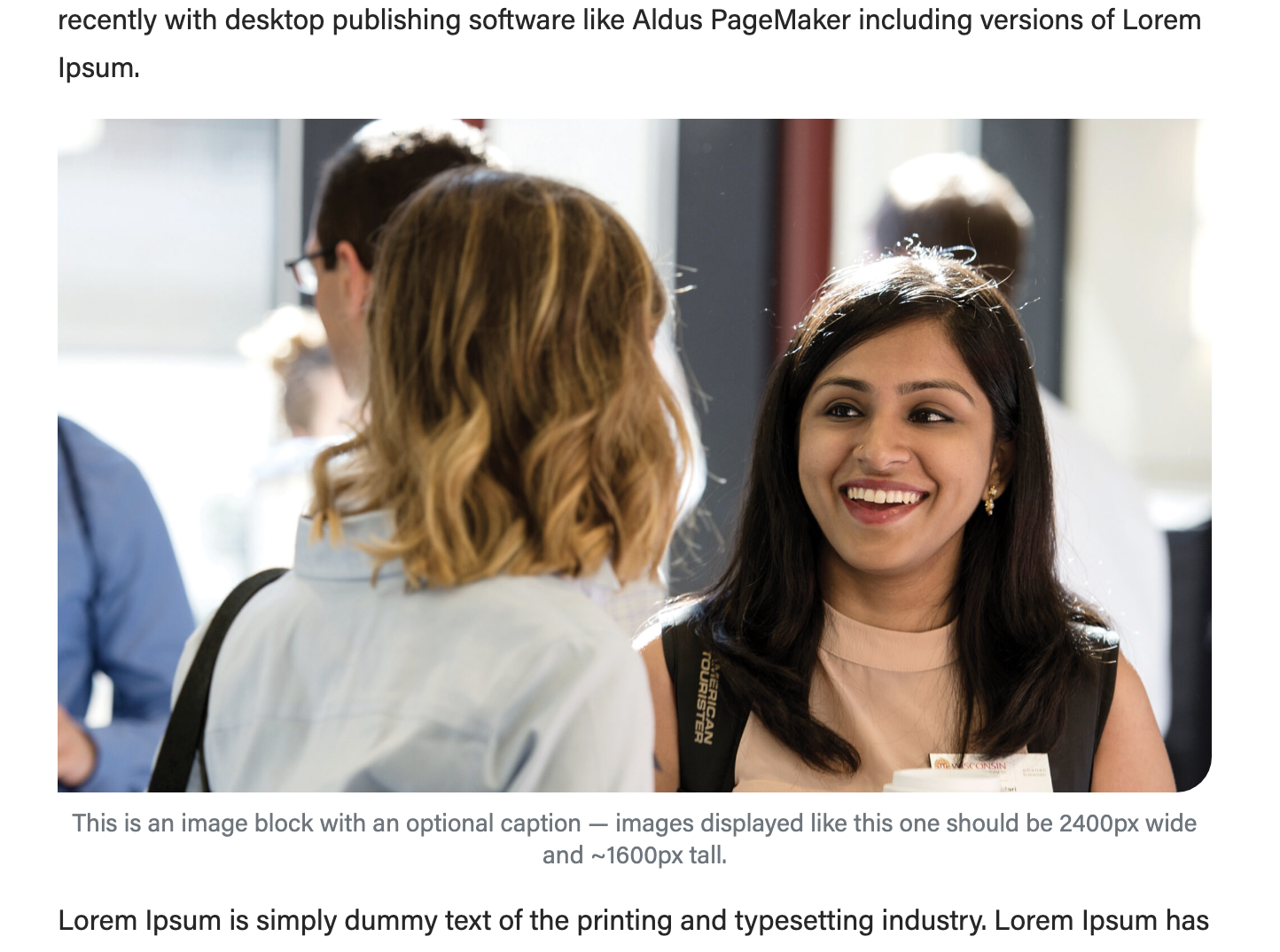
A large image that takes up the full width of the article (image is 2400x1600px)
source: https://business.wisc.edu/news/example/ A medium image that has its own row (image is 500x500px)
A small image that sits next to some text (image is 266x266px)
source: https://business.wisc.edu/news/business-casual-march-2023/ |
|---|


Jumbotron (large photo or photo slideshow)
Guidelines:
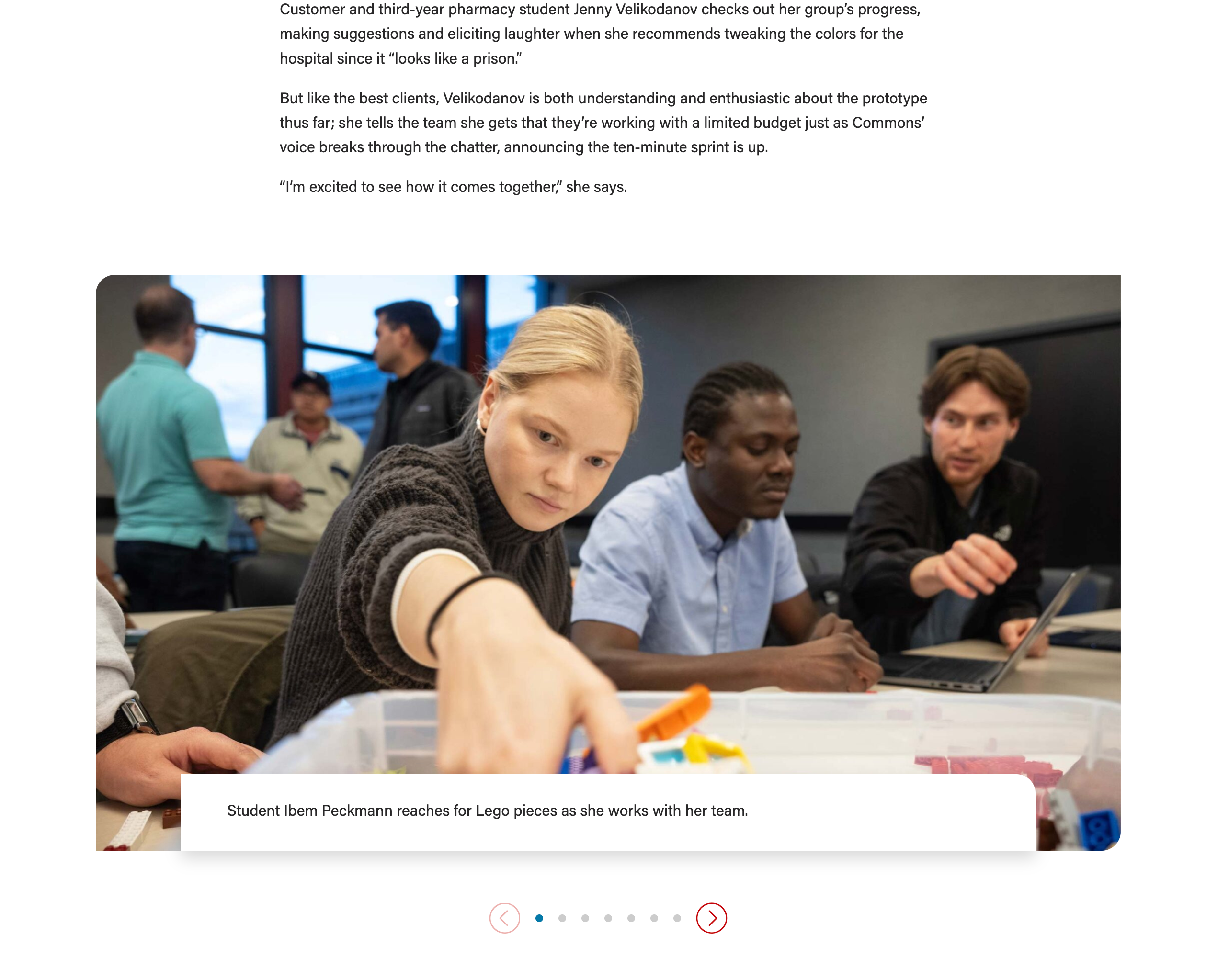
Use this block to showcase 1-10 photos, with or without a caption. If multiple images are added, they will be in a slideshow.
- The max number of images you can use is 10; beyond this number, the block will not work properly on mobile screens.
- Keep the caption/paragraph copy to 250 characters or fewer and use a similar amount of copy for each photo in a single slideshow
- The photo caption overlaps the bottom of the photo, so be sure to crop the image in a way that the main details are not at the very bottom. A designer may be able to assist you with adding padding to the bottom of an image if needed.
- Put the caption in the "Copy" field, under Add/Edit Cards
- Photo size: recommended 2400x1350px
- Image width must always be 2400px
- Image heights can vary, but all images in a slideshow should have the same heights
- Other image heights that work well: 1050px, 1350px, 1600px
- Tip: You can start by uploading an image with our standard dimensions – 2400x1600px – and crop the height to 1350px inside the WP media library
- To crop an image, add it to the Jumbotron block and hover over the image - then click the pencil icon to edit it.
- Note: cropping an image in WP will affect all uses of that image; only crop images that you uploaded to WP to be safe
- Set the image ratio field (under Configuration) to best display your images.
- Recommended: 16x9 or 21x9
- Play around with the options or find the ratio below that matches your image dimensions:
- Image dimensions: 2400x1050px –> Choose image ratio: 21x9
- Image dimensions: 2400x1350px –> Image ratio: 16x9
- Image dimensions: 2400x1600px –> Try 16x9 ratio; if the images are cropped too much, try a different crop of the photos or reach out to a designer or web developer for assistance.
- Because this is a multipurpose block that we use in news stories and across the website, there are many fields you can ignore:
- Add/Edit cards – ignore title, subtitle, and link
- Introduction – ignore all fields
- Footer – ignore all fields
- Configuration – ignore all fields except "image ratio"
| update-magazine | meet | the | six | new | faculty | members | offering | fresh-perspectives/ |
|---|
Lazy Load Youtube Video
- Guidelines:
- Use this block anytime you want to embed a Youtube video in your post.
- Do not use the "Youtube" block – that block displays videos at a much smaller size and they take longer to load on the page, which could create problems for the user.
- Photo size for image override: 1176x662px (you can use a larger image size, but if the proportions are different, the image will get cropped)
- Use this block anytime you want to embed a Youtube video in your post.
- How to embed YouTube videos in your article
...