This page is a work in progress.
Note: You must complete WSB WordPress (WP) training before you will be granted access to the WP media library. |
On this page:

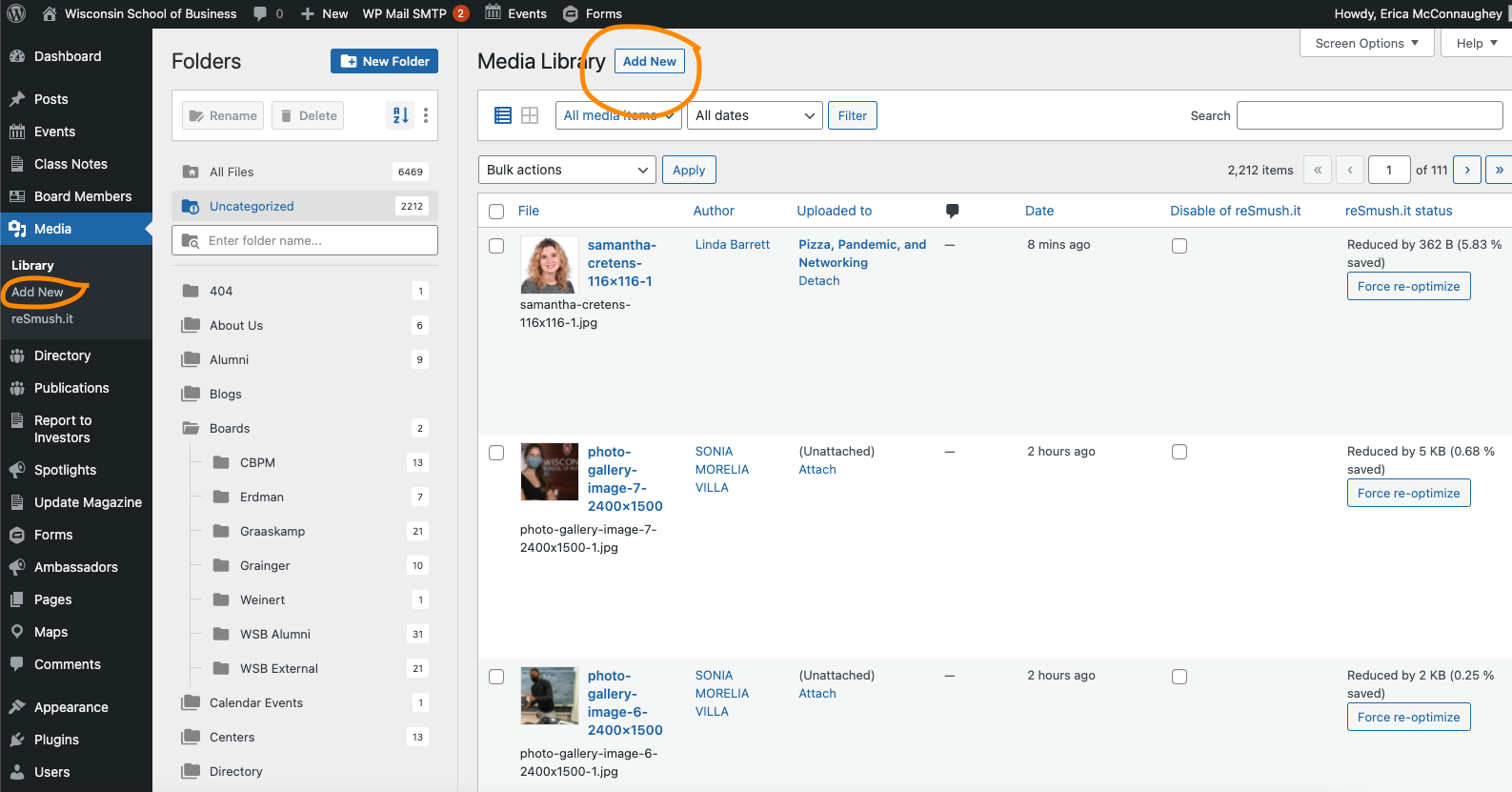
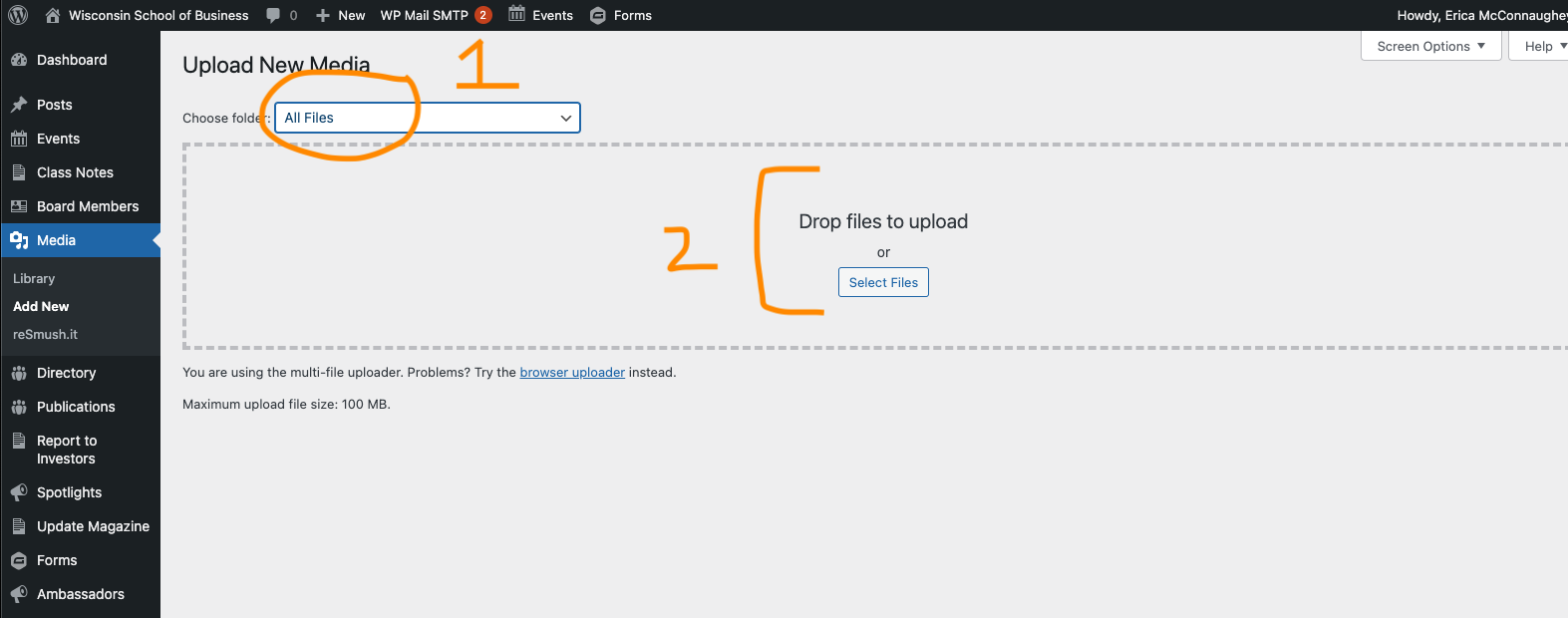
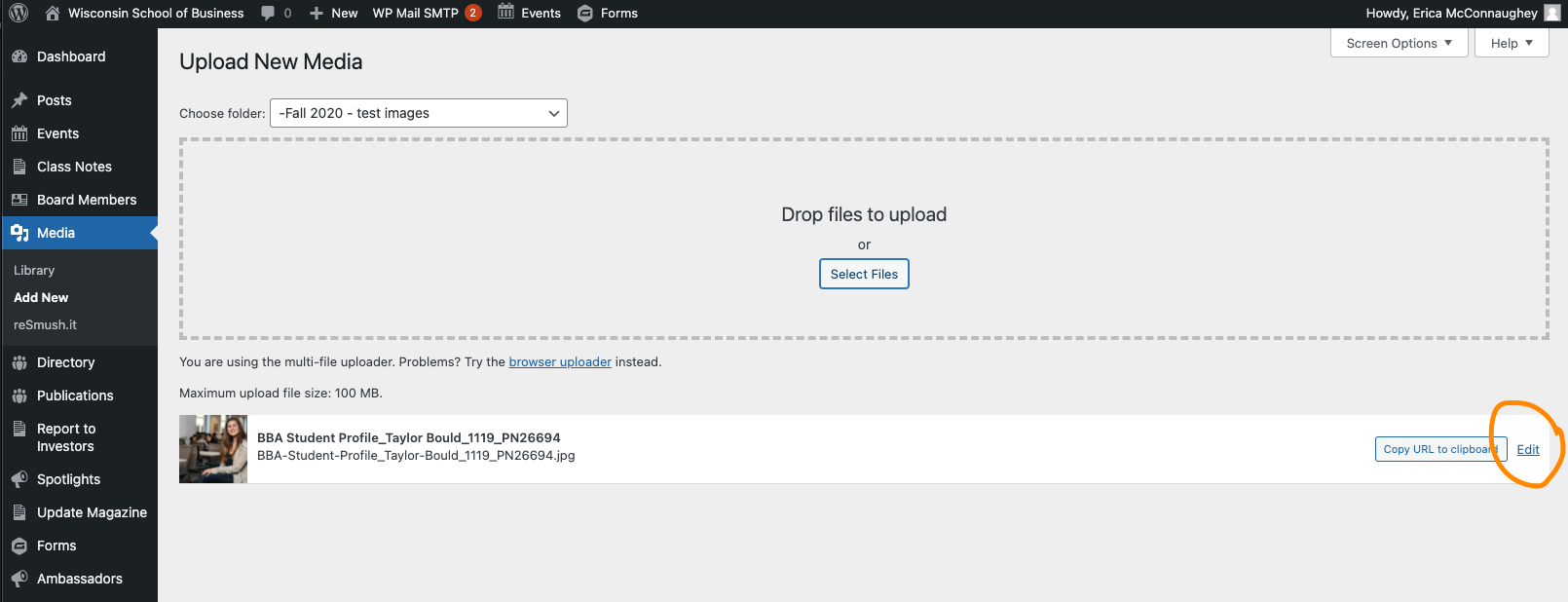
| Remember: alt text is an accessibility requirement for all images in our WordPress library |
Add the steps involved:
Related articles appear here based on the labels you select. Click to edit the macro and add or change labels.
|