This page is a work in progress.
Note: You must complete WSB WordPress (WP) training before you will be granted access to the WP media library. |
On this page:

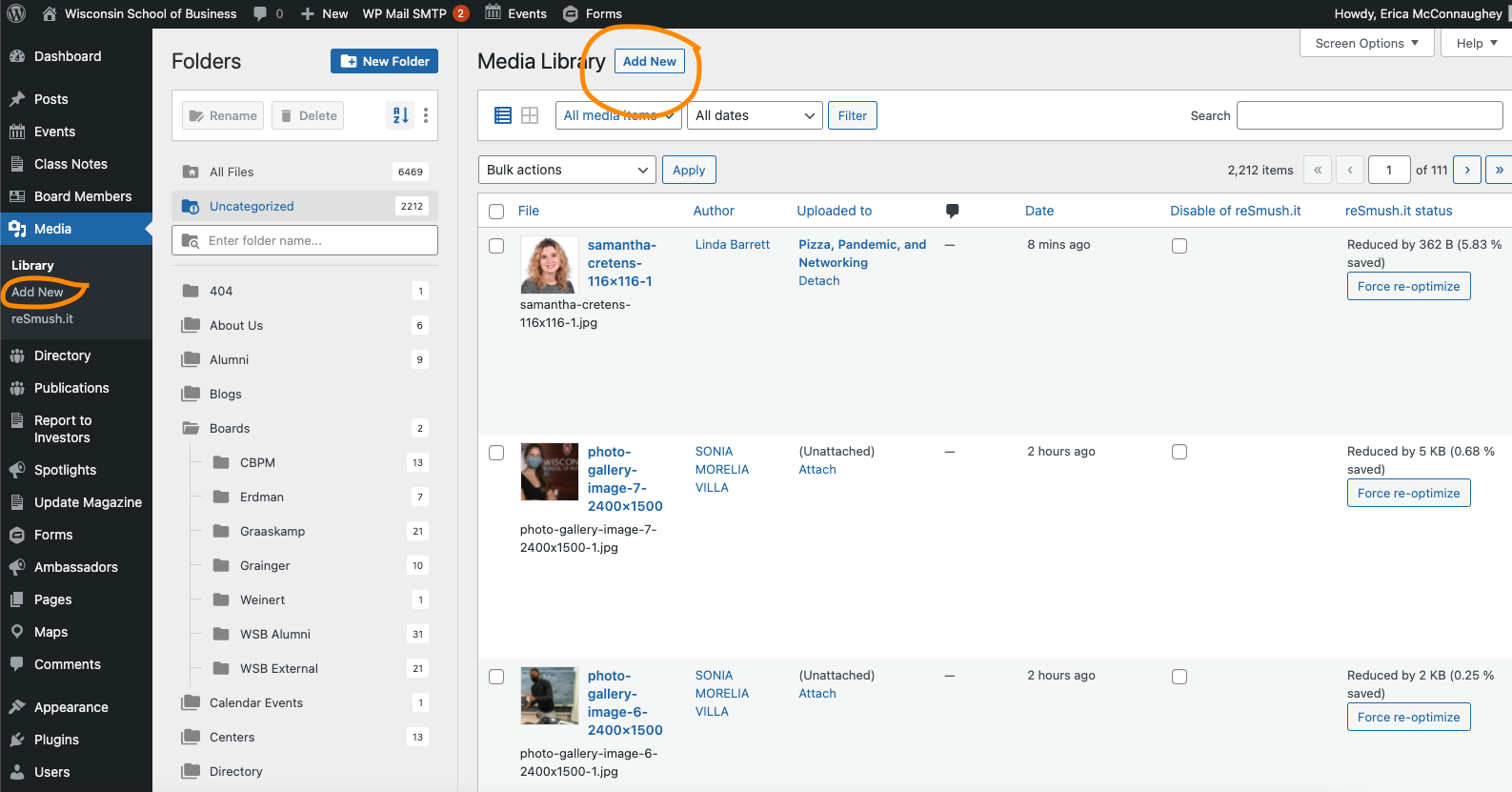
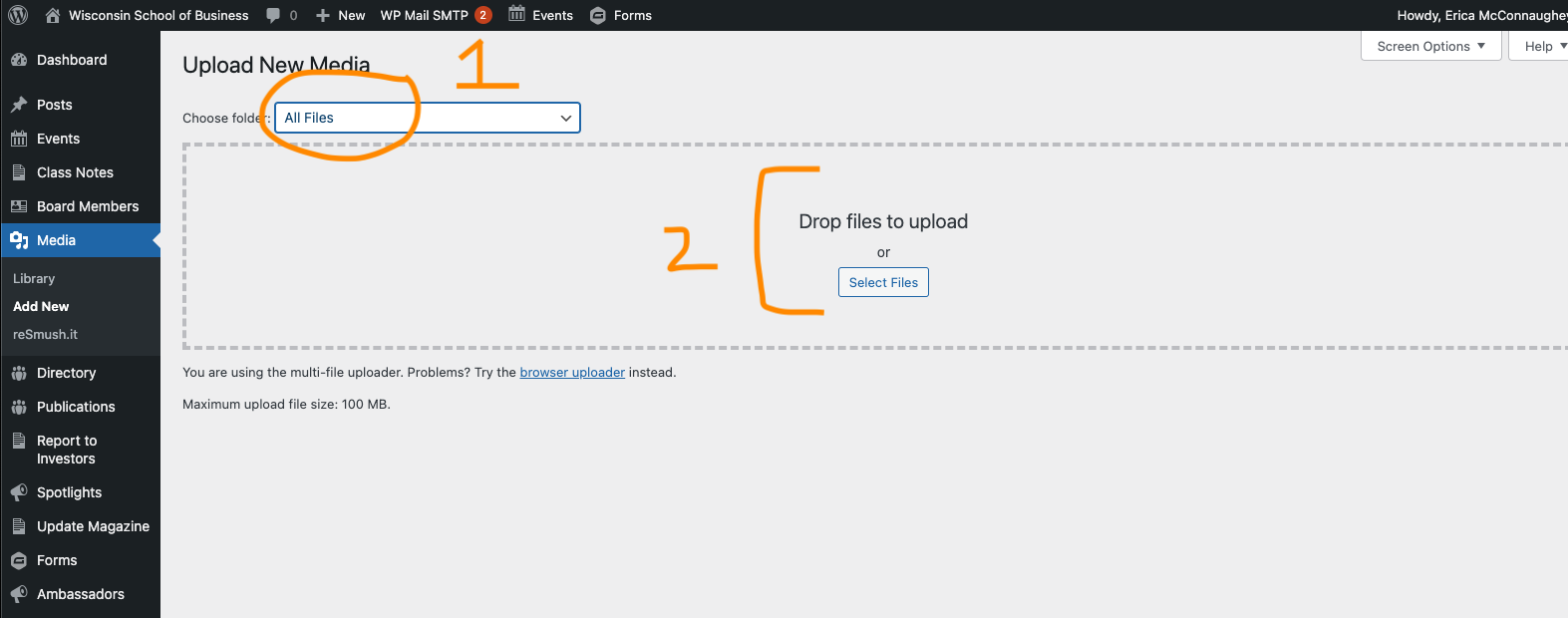
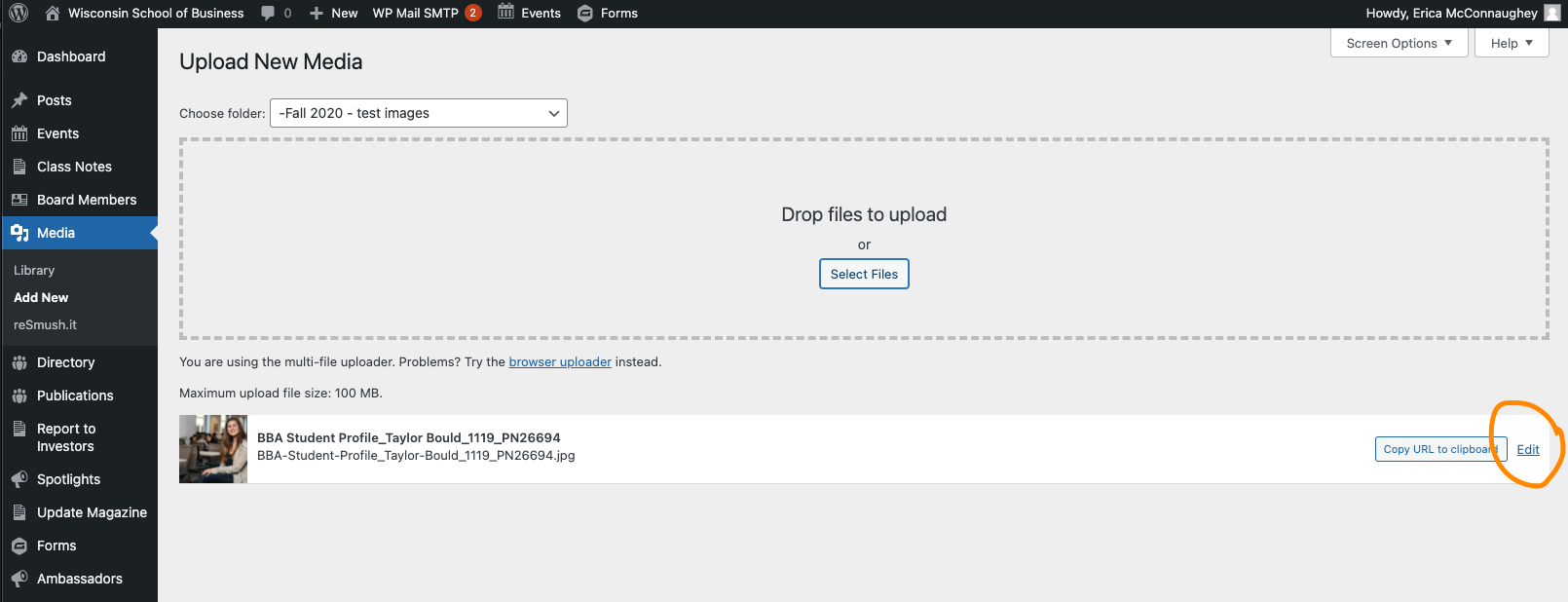
Alt text is an accessibility requirement for all images in our WordPress library.
Alt text allows visually-impaired individuals (or anyone who uses a screen reader) to understand what content is in an image. Without alt text, these users cannot access this information. We want all users to have access to all of the information on our website.
Alt text is good for all users, though! It will be displayed on the page if the images ever fail to load or are blocked.
Do not include phrases like "an image of...", "a photo of...", or "an icon of..." in your alt text.
For headshots: first name last name
For images with text in them: all text in the image must be included in alt text
For photographs: a brief description of the important subjects and any actions taking place; if knowing who is in the image is important, then include those names
For icons/graphics: a brief description of the subject
Tip: Anytime you upload or go to use an image from the media library, check to see if the image has alternative text. If it doesn't have alt text you must add it, request that the person who uploaded the image add it, or request that the web team add it for you if you are not allowed to. |
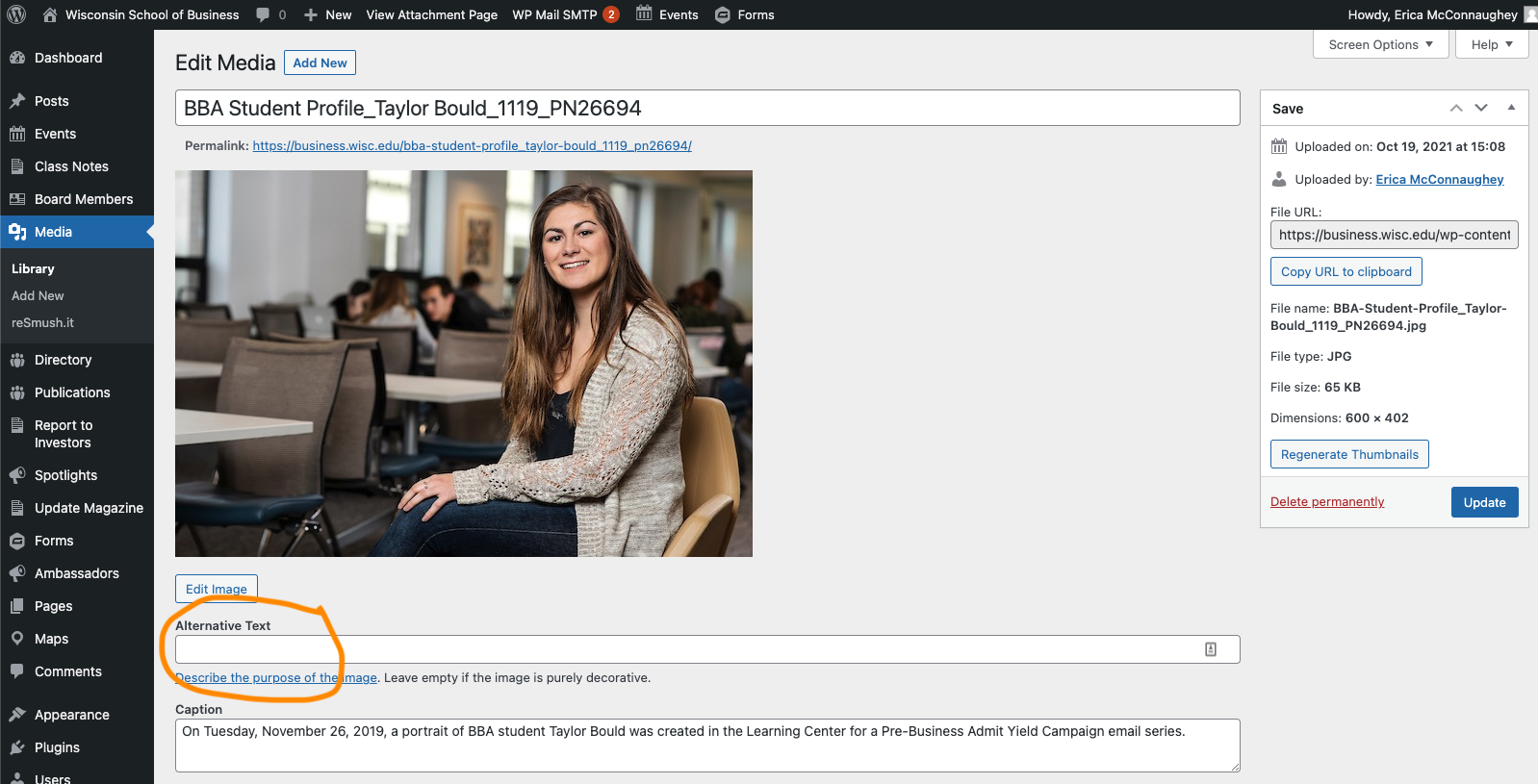
Add the steps involved:
Related articles appear here based on the labels you select. Click to edit the macro and add or change labels.
|