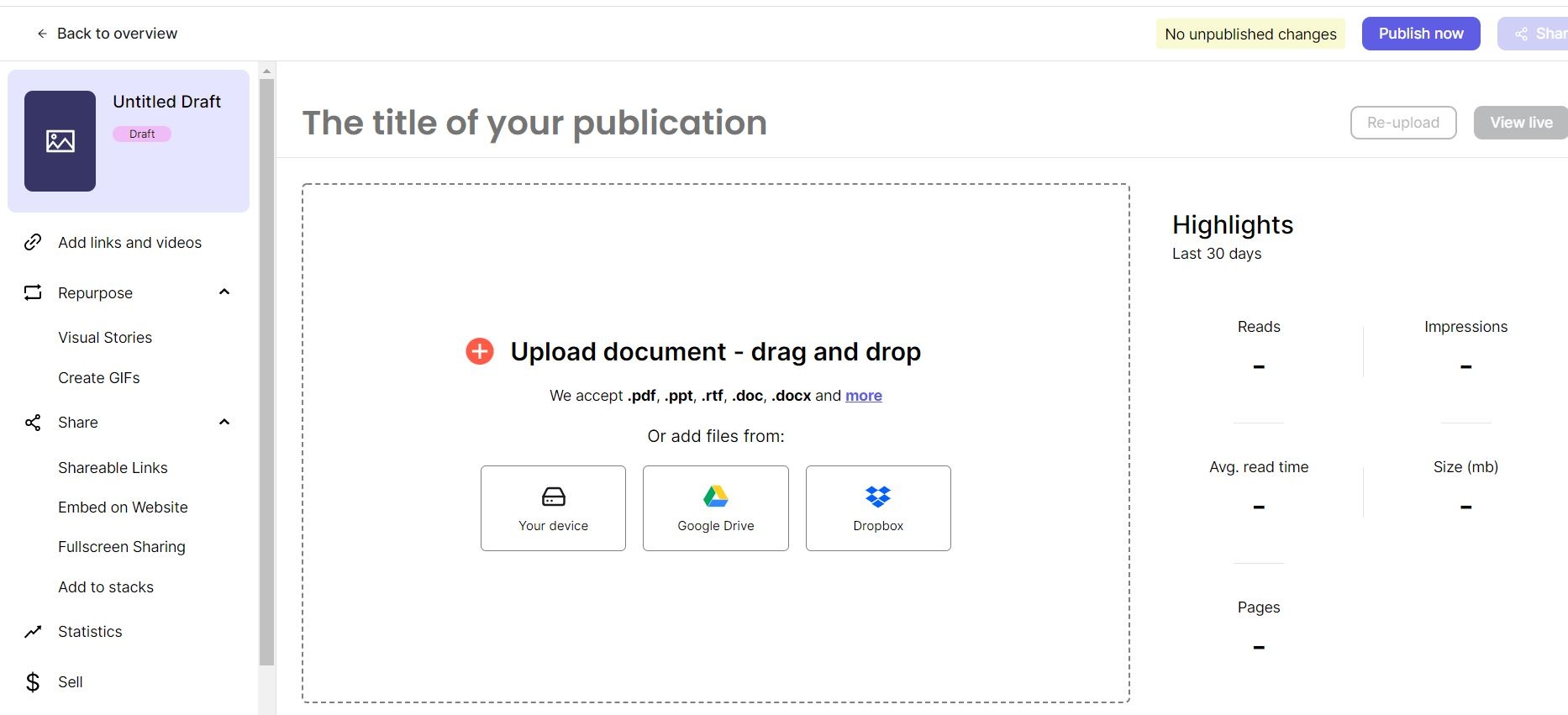
This article details how to add a new WSB publication to Issuu.
Note: For Trifold Brochures
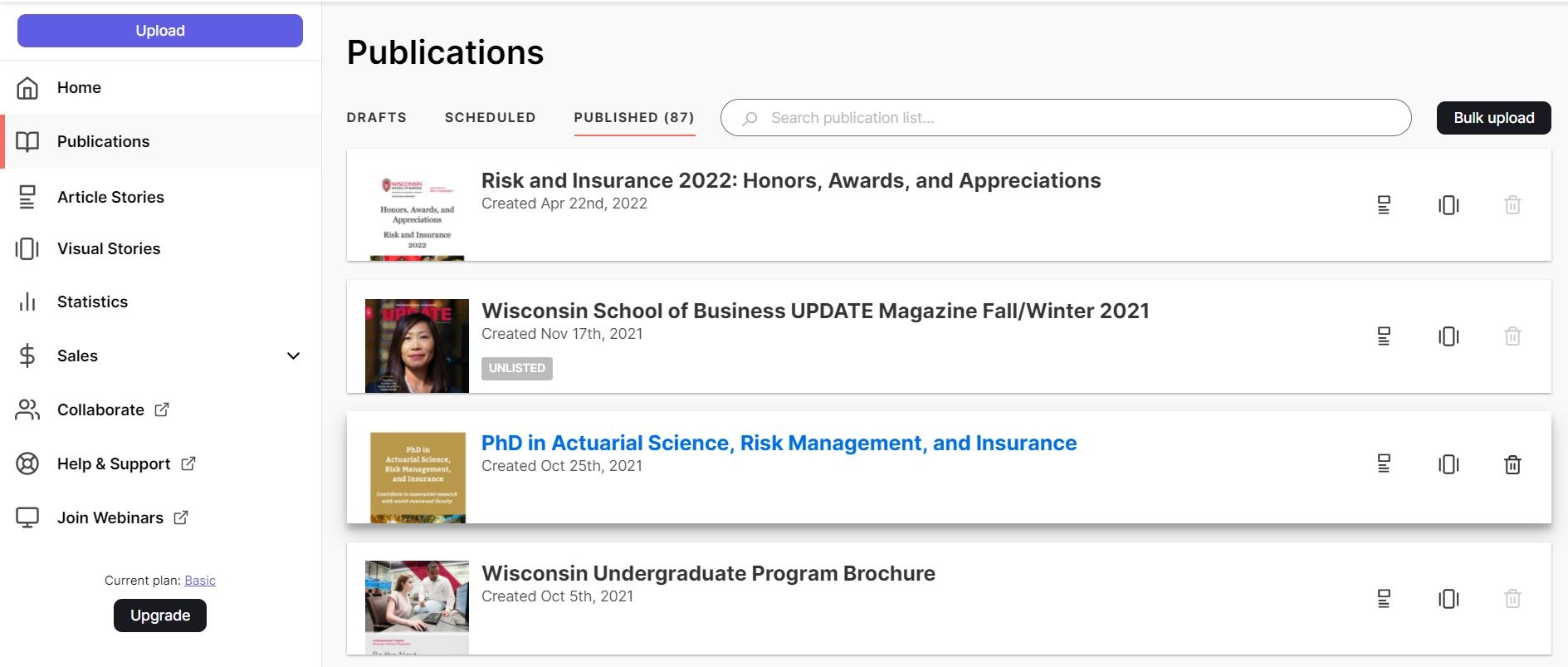
PhD example of a trifold brochure in Issuu
The individual panels need to be individual pages to be uploaded to Issuu. This can be done by setting it up in Publisher with the page dimensions the size of each panel and exporting it as a multi-page PDF. If you would prefer not to create the brochure that way, you can use directions here to crop the PDF into individual pages: https://acrobat.adobe.com/us/en/acrobat/how-to/crop-pdf.html.
4. Add the Title and Description for the publication using settings similar to a previous publication.
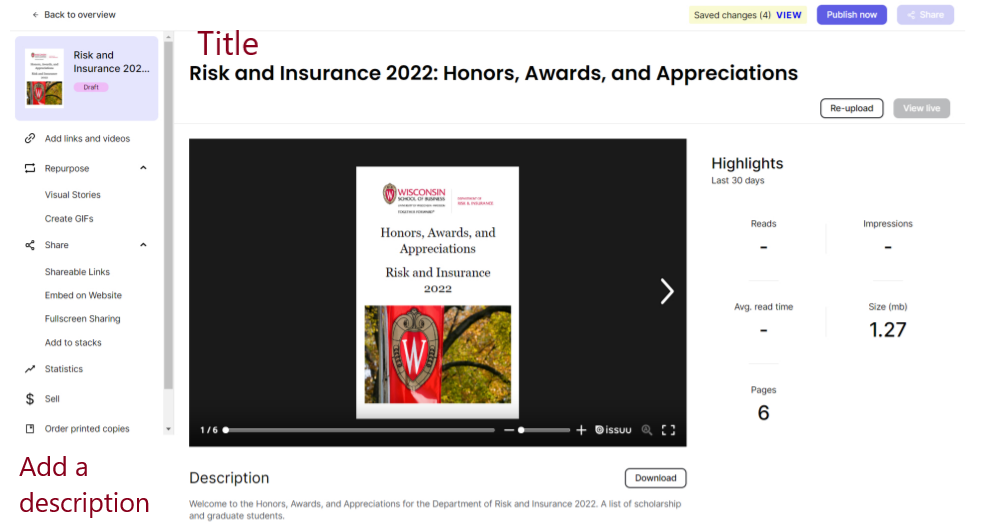
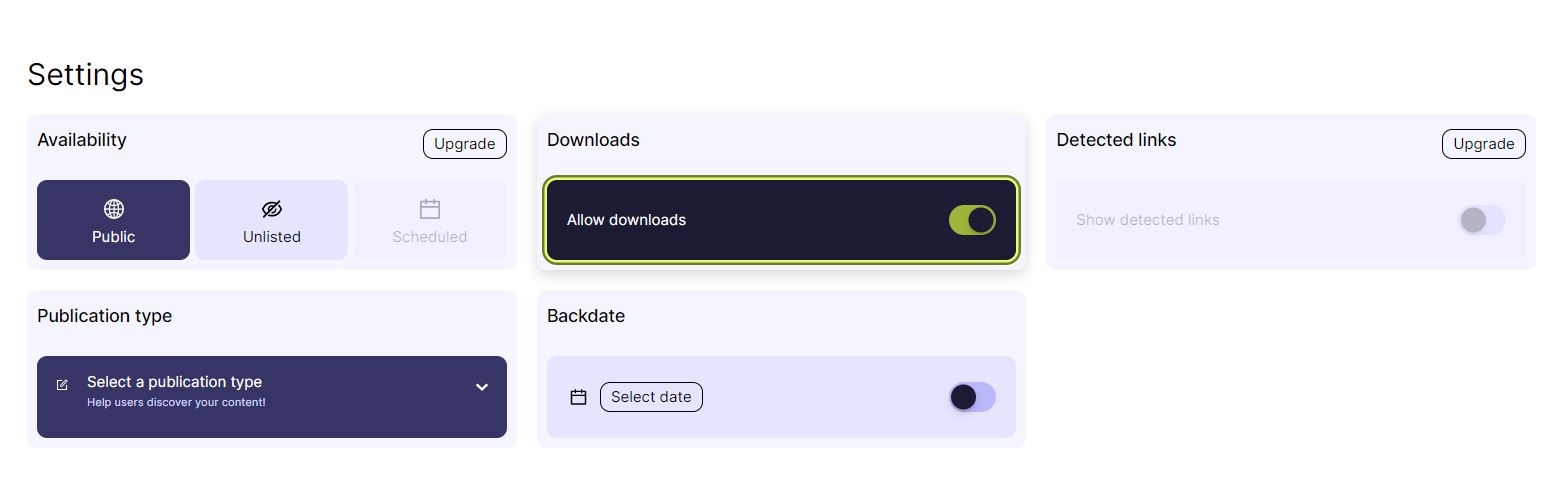
5. Choose the following settings:
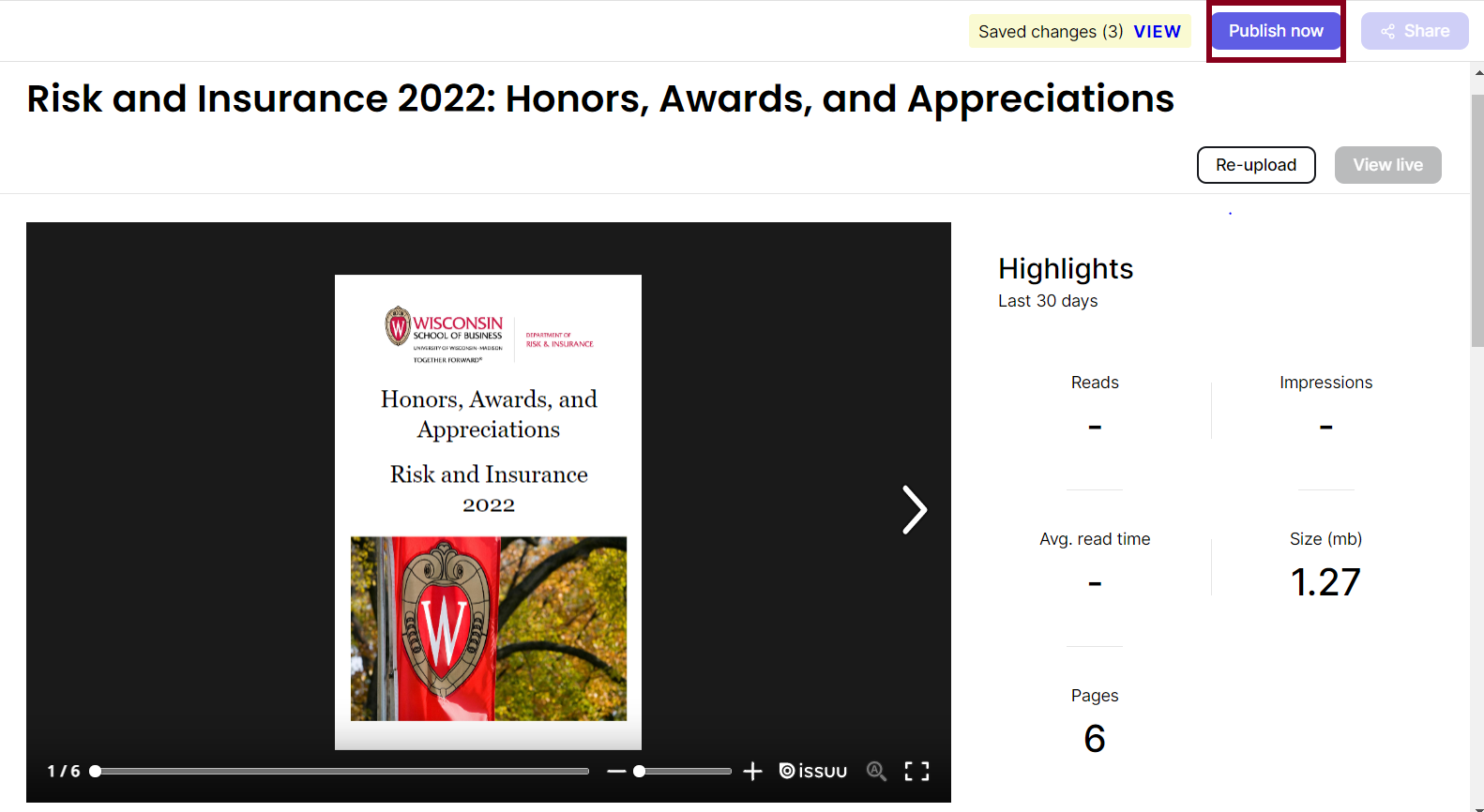
6. Click the Publish Now button.
7. Once published, you can view the Issuu by copying the shareable link or selecting the View Live button.
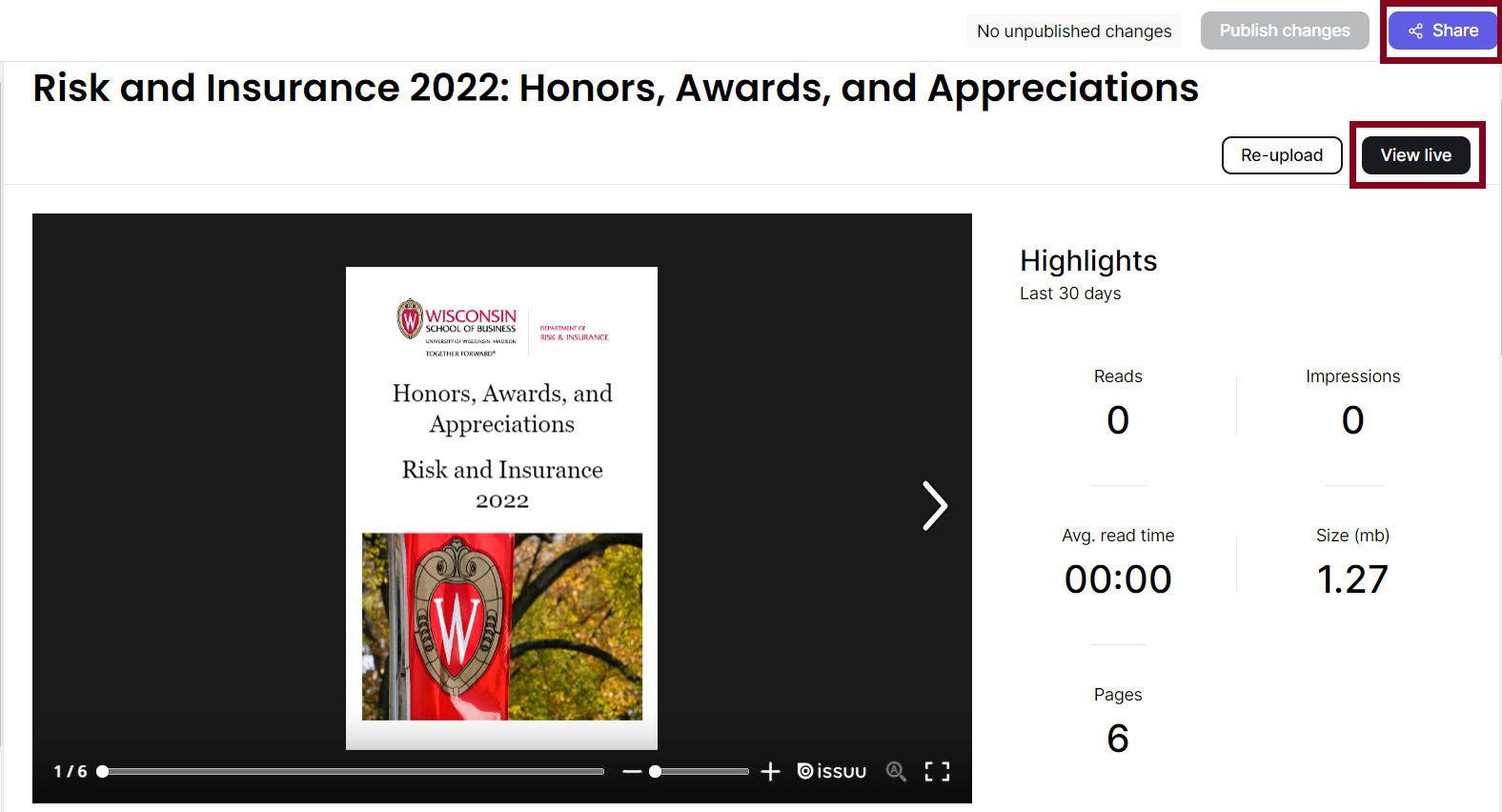
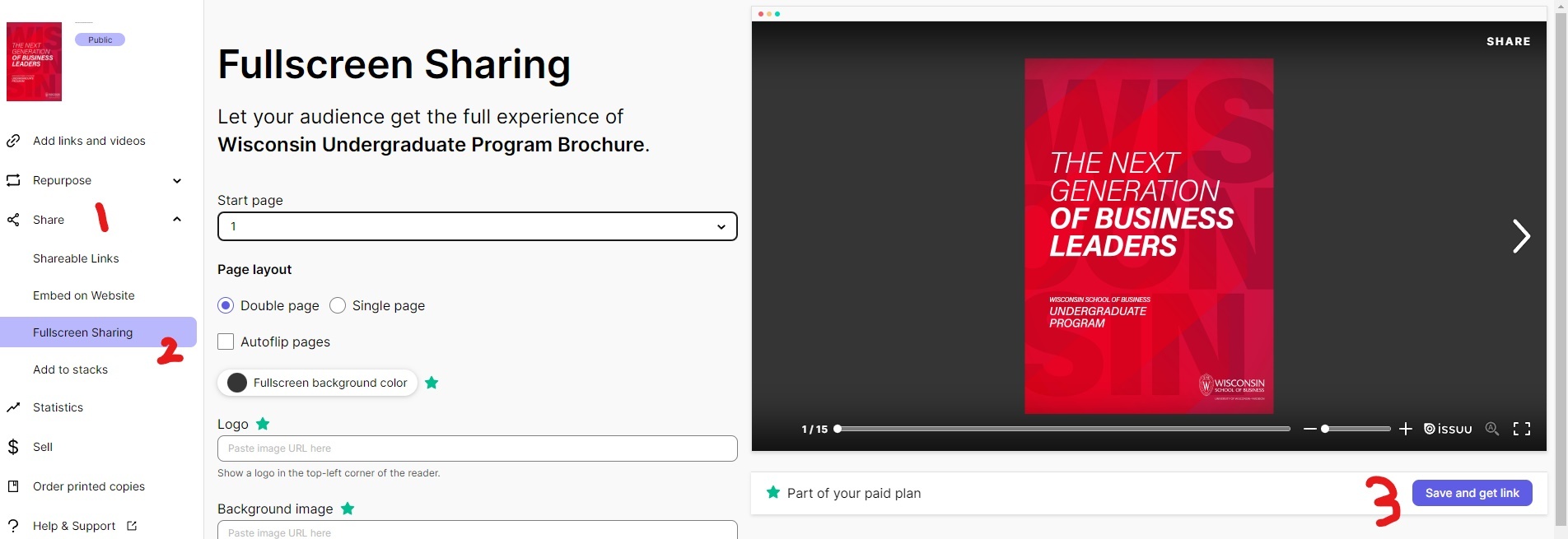
8. If you would like a fullscreen copy, go to the left side of the screen and click on Share and Fullscreen Sharing. Next, you will click on the Save and get link button.