
Update a Feed
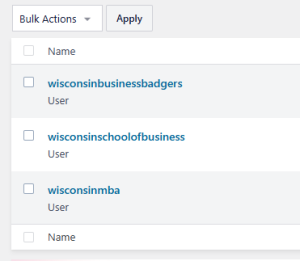
There are three Instagram accounts associated with WSB:
- Wisconsin Business Badgers (hosted at the bottom of the Undergrad landing page)
- Wisconsin School of Business (hosted at the bottom of the home page)
- Wisconsin MBA (hosted at the bottom of the FTMBA landing page)
If an Instagram Feed stops updating on business.wisc.edu
Instagram accounts sometimes disconnect from the website, usually after a password change. When this happens, the associated Instagram feed stops updating and only shows posts from before the disconnect.
If you manage an Instagram account for WSB, you should have the Instagram Manager role on WordPress, and you can follow the steps below to reconnect it. Contact the web team if you need access.
How to reconnect your Instagram Feed:
- Log in to WordPress.
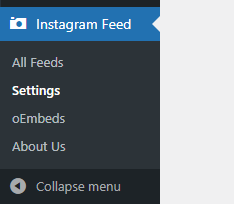
- Find "Instagram Feed" > "Settings" in the left sidebar
- Follow the "How do I fix my invalid source?" steps in the Smash Balloon Plugin documentation.
Please contact the Web Team if you need any assistance.
Moderate a Feed
- If you have the Instagram manager role on WP, you can login to WP and access "Instagram Feed" in the left menu.