
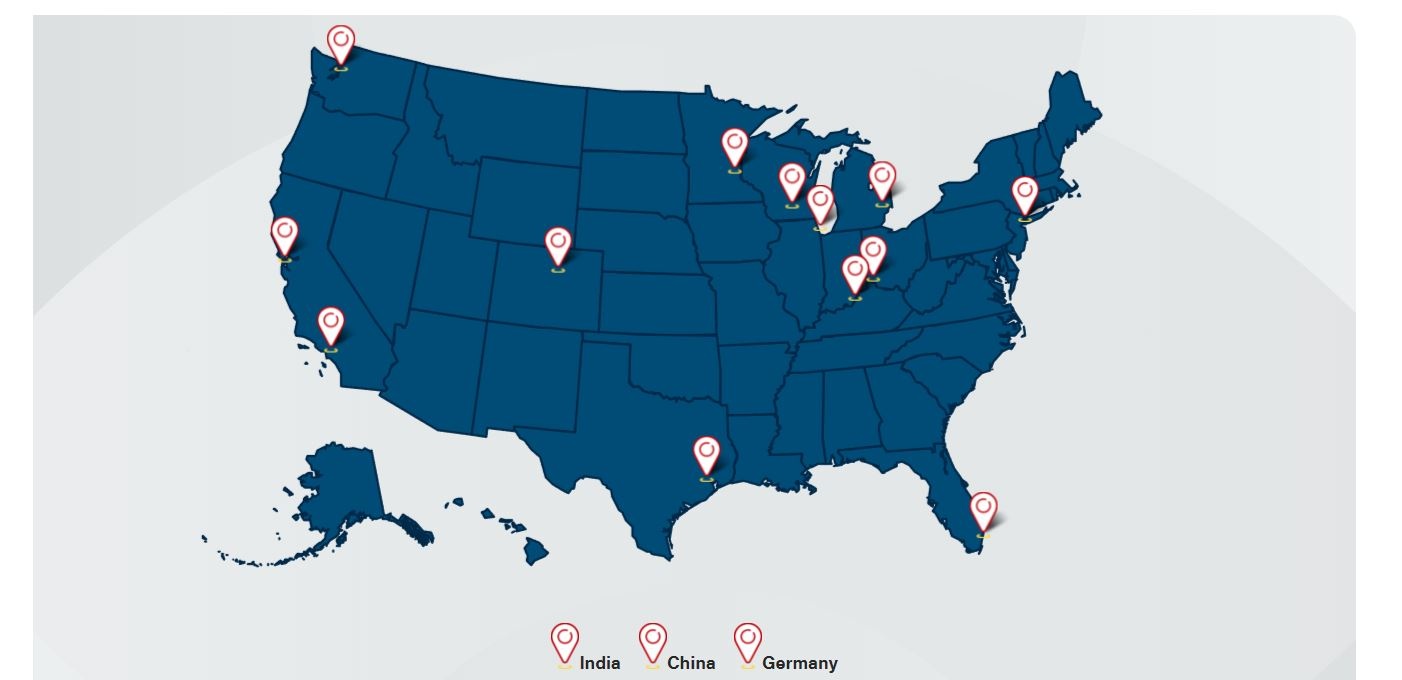
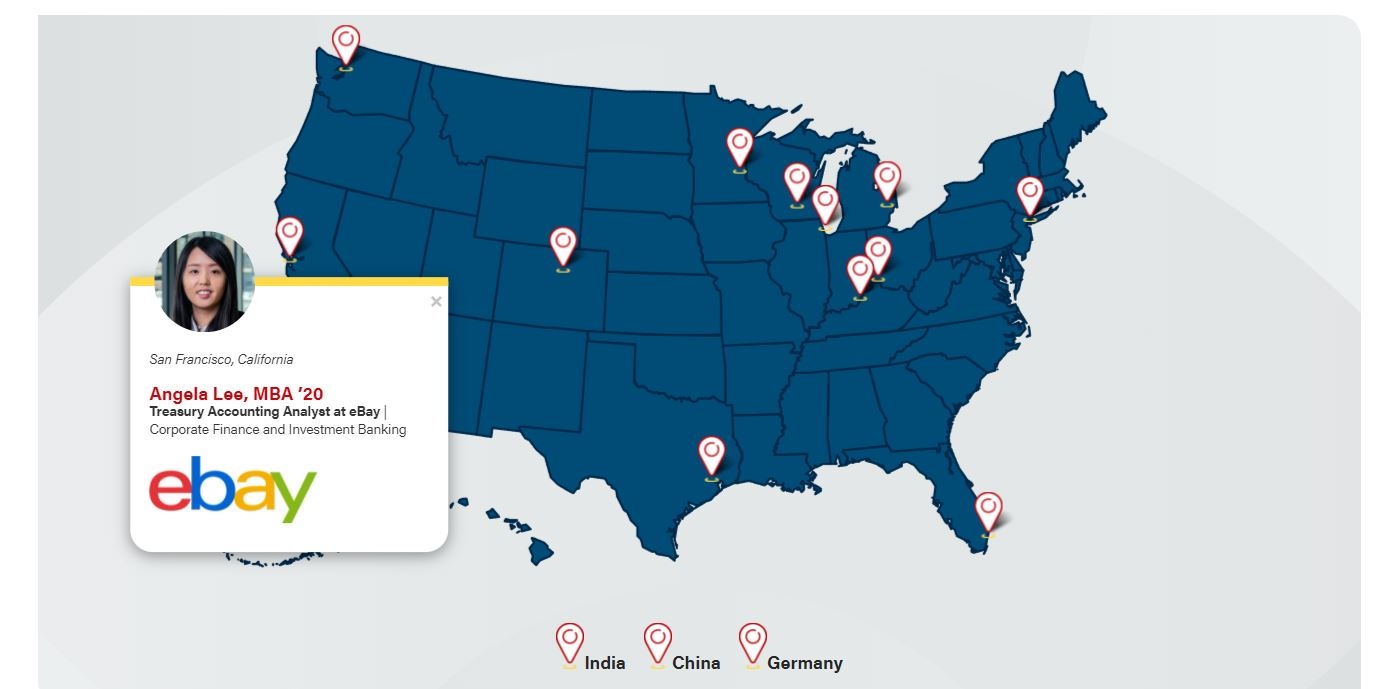
Currently, map alumni are displayed in two maps:
Interactive Map:
| Displaying a profile:
|
|---|
How to add an Alumnus to a Map
To add a pin, navigate to the Maps post type on WordPress' left-side menu and select Add New.
Add details about the person in the following fields. An asterisk indicates a required field.
- *Title: Enter the first and last name
- Post body: leave empty; this field is not used
- *Degree 'YY: enter degree and year of graduation (e.g. BBA '10)
- *Company
- *Job Title
- *Location: Search for and select the city where the alumni works.
- Company logo: find the logo in the media library or source the image and upload
- First go to the WP media library and search All Files for the company logo. (Logos should be in the Logos media folder)
- If you can't find the logo in the media library, ask a designer (Chad Theel or Ali Wendt) for help sourcing a high quality logo.
- Standard size: 512px wide, heights vary
- File type: PNG
- Make sure the image is added to the Logos folder in the media library and you add alt text for the image (example: Microsoft logo)
- Categories: select an existing category (you may select more than one)
- Featured image: Add the alum's headshot
- First go to the WP media library and search All Files for the headshot. (MBA headshots should be in Directory > Students > MBA media folder)
- If you can't find the headshot in the media library, ask a designer (Chad Theel or Ali Wendt) for help sourcing one.
- Standard size: 500x500px
- File type: JPG
- Headshots should be square (vertical orientation rectangle is fine if the face is in a good spot when cropped as a circle on the map - example: Ellen Chen - MBA alum in China)
- Headshots need to be high resolution - so if the original is a tiny image (e.g. 116x116px) we need to source a larger headshot. Ask a designer to help source images.
- Publish the map profile and go to the interactive map to check that the pin is displaying everything correctly on the website.
- If you need help, submit a web ticket and the web team can assist you.
Guidelines
- Only add one alum per city, per map. (e.g. If there is an MBA student in Milwaukee on the FTMBA map, don't add another MBA student in Milwaukee.)